Replacing a learning management system is one of the highest-stakes technology projects a school district can take on, because the LMS holds courses, assignments, grades, and the daily workflow of every teacher. Districts that complete migrations cleanly treat them as year-long change projects with an instructional core, not as software installations. Timelines of twelve to eighteen months are typical, and the difference between a smooth cutover and a chaotic one usually comes down to decisions made before any data moves. Requirements for records retention and accessibility vary by state, which shapes parts of the plan locally.
When is an LMS migration actually justified?
Good reasons include a vendor sunset or acquisition that leaves the product's future unclear, the end of a multi-year contract with poor service levels, a district merger, or a platform that never achieved real adoption the first time. Weak reasons include a flashy demo and a new feature checklist, because migrations carry real costs in training time and temporary productivity loss that must be outweighed. A district honest enough to measure current usage first — logins, courses actually built, assignments actually graded — sometimes discovers the problem is implementation, not the product, and that fixing adoption is far cheaper than replacing the platform.
What does the full migration process look like?
- Audit current usage, integrations, and content volume in the existing system.
- Form a selection committee with teachers, administrators, IT, and special education representation.
- Write requirements covering integration standards, accessibility, data portability, and hosting.
- Run structured demonstrations and reference calls with comparable districts.
- Negotiate the contract with explicit migration and data-export terms.
- Migrate content in waves, starting with a volunteer pilot group.
- Train by role, not by feature list, using teachers' own migrated courses.
- Run both systems in parallel through one full grading cycle.
- Decommission the old system on a published date with an archived records export.
What should districts demand in the contract?
The migration clauses matter as much as the license price. The contract should state who performs content migration — vendor, district, or third party — and what happens to material that cannot be converted automatically. It should guarantee an export of all courses, grade histories, and student submissions in open formats at any time, not just at exit. It should name the integration standards supported, ideally LTI 1.3 and OneRoster certification through 1EdTech, and lock the support response times for launch week. Districts that skip these terms negotiate them later from a position of weakness.
How is content actually moved?
Content moves in three categories with very different difficulty. Course materials such as pages, files, and quizzes are often exportable in the Common Cartridge format, an open packaging standard that most major platforms read, though interactive elements built with proprietary tools frequently break. Historical data such as past grades and submissions is usually archived rather than migrated, because states generally require retention of grade records for a defined period and a read-only archive satisfies that need. Integrations must be rebuilt rather than moved, which is where standards certification pays for itself. Pilot teachers should verify converted courses early, because formatting glitches that seem small to IT staff look like broken lessons in a classroom.
What separates training that works from training that does not?
The most reliable finding from district migration retrospectives is that role-based training on the teacher's own migrated content outperforms generic feature walkthroughs. Teachers who see their actual August course shell, with their files and assignments already in place, learn what they need and skip what they do not. Build variations — a small pilot group in the first wave, department champions who support peers, drop-in clinics during the first month of school — and protect the training time contractually. A migration that saves money on professional development typically spends the savings on help-desk volume in September.
What are the classic failure modes?
| Failure | Consequence | Prevention |
|---|---|---|
| Summer cutover with no parallel term | Grade disputes with no fallback | Run both systems through one grading cycle |
| Training on sample courses | Teachers cannot transfer skills to real content | Train on teachers' own migrated shells |
| Ignoring special education workflows | Accommodation tools break at launch | Include special education staff in requirements |
| No published decommission date | Old system lingers as a paid shadow | Set the archive-and-exit date in the project charter |
| Underestimated integration rebuild | Rostering errors in week one | Test a full enrollment cycle before day one |
What does migration cost beyond licensing?
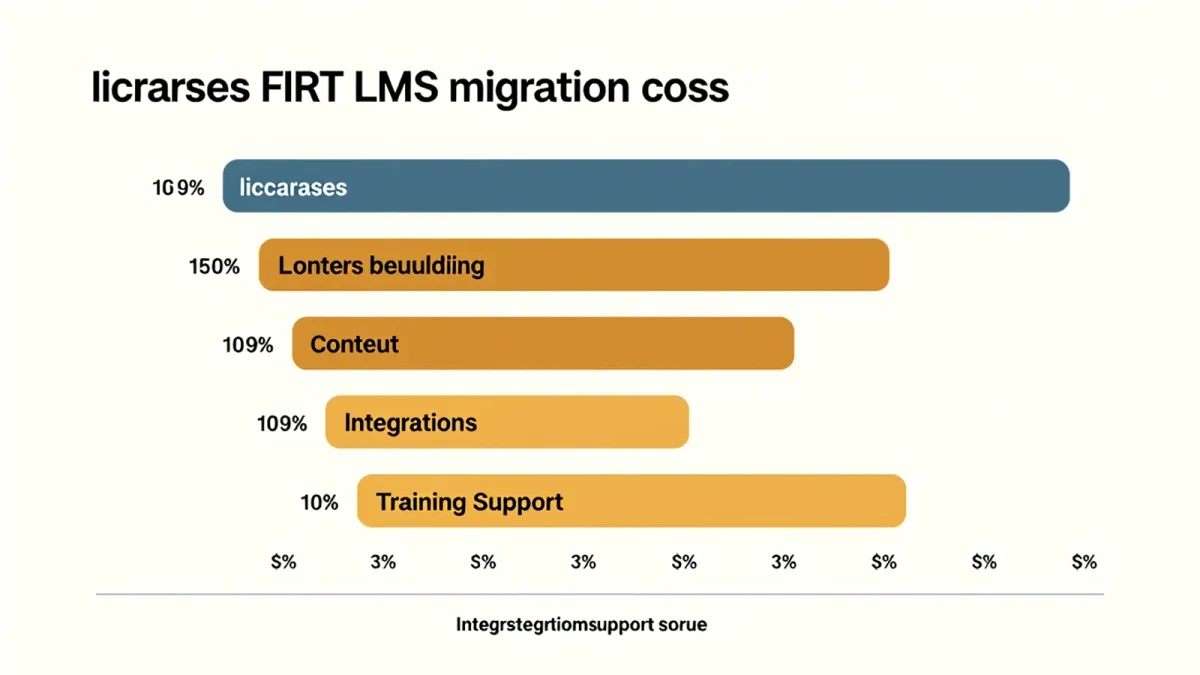
Budget owners should model four cost lines beyond the per-student license: staff time for the project team, which district implementations consistently find dominates; third-party migration support if content volume is large; premium professional development beyond bundled sessions; and contingency for the parallel period, since running two platforms means paying overlap costs for a term. Some districts also budget stipends for pilot teachers and summer hours for technology staff. Publishing an honest total-cost picture to the school board before approval prevents the more painful conversation mid-project, when the real invoice stops matching the demo-day estimate.
How long should the parallel period last?
One full grading cycle, meaning through the first report card of the new school year, is the standard recommendation among district technology directors. Running both platforms longer invites confusion about which system is authoritative; cutting over immediately removes the safety net when a teacher discovers that a quiz or an accommodation tool did not survive migration. The archive of the old system should remain read-only for records purposes, accessible through the retention period the state requires for student records, but new work should live in exactly one place.
How do districts measure whether the migration succeeded?
Useful success measures are agreed before the pilot, not assembled afterward. Common ones include the share of active teachers who have built a course in the new system by the end of the first quarter, help-desk ticket volume compared with the prior September, integration error rates for rostering, and a teacher survey on confidence at ninety days. Instructional leadership should own these numbers alongside technology, because the point of the LMS is teaching, not uptime. Districts that publish these metrics internally tend to keep successor projects disciplined, and vendors pay closer attention to contracts when they know adoption is being measured.
What does the year after look like?
The year after cutover is when a district captures the return on the investment: unused features get turned on deliberately, department-level course templates emerge, and the professional learning community shifts from surviving the tool to improving instruction with it. Districts that treat migration as a one-time event tend to drift back toward underuse. The wiser pattern is an annual review of adoption data and a standing feedback channel from teachers, so the next contract negotiation — and eventually the next migration, years down the road — starts from evidence rather than memory.